The short version
- You can set up a Facebook business Page in about 30 minutes.
- You need a Facebook account, a Page name and a category. Everything else you can add as you go.
- Fill in your hours, phone, address and a clear button so customers know what to do.
- Post 5 simple posts before you invite anyone, so the Page doesn't look empty.
Customers look you up on Facebook before they call. If they find nothing, or a page with no hours, they move on to the next name on the list.
The good news is that setting up a Page is quick. Here's how to do it, what to fill in so it works, and what to post first.
Before you set up a Facebook business Page
Gather the basics first so you aren't hunting for them halfway through. It saves 15 minutes. For the bigger picture, read where to start with social media for a small business.
- Your business name, exactly as customers know it.
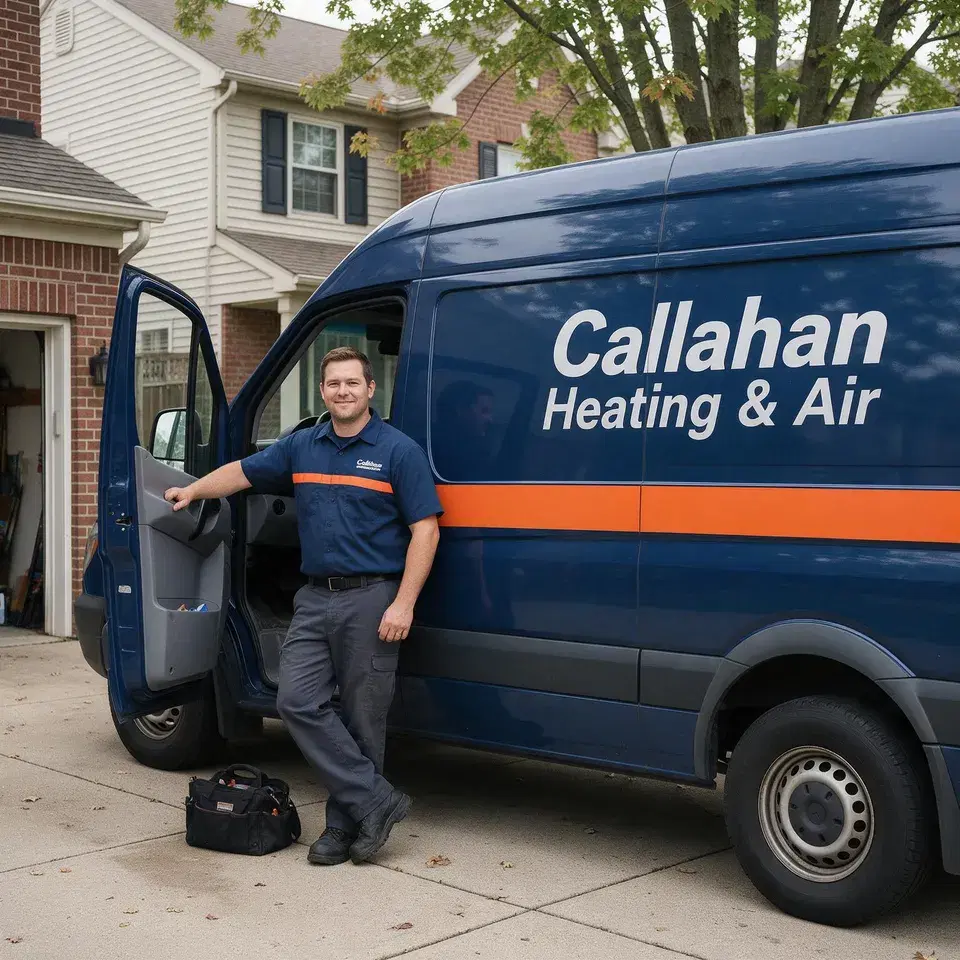
- Your logo and one good photo of your work, van, shop or crew.
- Your phone number, address or service area, and hours.
- A website link, if you have one.
- A sentence about what you do and who you do it for.
How to create your Facebook business Page, step by step
Log in to Facebook
Use your own account. Meta says anyone with a Facebook account can create a Page.
Start a new Page
Find the option to create a Page from the Pages area and choose a public Page for a business.
Add your name and category
Use your real business name. Pick the category closest to what you do, like HVAC contractor or bakery.
Write a short bio
One or two sentences on what you do and where. This is optional, but fill it in. For wording, see Facebook business page description examples.
Add your contact details
Phone, email, address or service area, and hours. Customers look for these first.
Add your profile and cover photos
Use your logo as the profile picture. For sizes, see Facebook cover photo and profile picture size.
Choose your button
Pick the action you want most, like calling you or sending a message.
Review the notification settings
Choose how you want to hear about messages and comments, so you don't miss a customer.
Meta's page lists the same steps in its own words and may show extra options like connecting WhatsApp. You can skip those and come back later.
What to fill in so customers can find you
| Section | What to put | Tip |
|---|---|---|
| Name | Your business name as customers know it | Match your sign, van or invoices. |
| Category | The closest match to your trade | You can add more than one. |
| Bio | What you do, who for, and where | Name your town. |
| Hours | Real hours, including closed days | Update for holidays. |
| Contact | Phone, email, address or service area | Use a number you answer. |
| Photos | Logo and a real photo of your work | Skip stock images. |
| Button | Call, message or book | Pick one action. |
If you also have a Google listing, keep the name, phone and hours the same on both. See Google Business Profile vs Facebook Page.
Your first 5 posts on a new Facebook Page
An empty Page looks closed. Put up these 5 before you ask anyone to follow, so there's something to see.
Hello, we're here
We're [business], a [trade] serving [town] and nearby. We do [services]. Message us here or call [phone] and we'll get back to you the same day.
Photo: The crew in front of the van or shop.
Meet the owner
I'm [name]. I started [business] in [year] after [short reason]. If you've got a question about [your trade], send me a message.
Photo: A relaxed photo of you at work.
What we do
A few things we do most: [service 1], [service 2] and [service 3]. Not on the list? Ask. We probably can.
Photo: A photo of one finished job.
A helpful tip
Quick tip for [town]: [one useful thing about your trade]. Takes 5 minutes and it saves you a call later.
Photo: A close-up of the thing you're talking about.
Invite the neighbors
Know someone in [town] who needs [service]? Tag them below. And if we've worked with you, follow the Page so you see our news.
Photo: Your logo on the van or the front door.
After that, move on to what to post on your business Facebook Page and how often to post.
After setup: who should see the Page first
- Invite your friends and family to follow, since they'll show Facebook your Page is real.
- Ask your 5 best customers to follow, in person or by text.
- Put the Page link on your invoices, van, counter and website.
- Reply to every comment and message the same day.
There's a longer list in how to get more local followers on Facebook.
Sources
Outside numbers in this article come from these pages.